
Every Token, Every Trace, Every Dollar. Introducing LLM Observability.
Traditional APM tools were not built for LLM workloads. LLM Observability gives you token-level tracing, cost attribution, latency breakdowns, quality scoring, and prompt version tracking.
Your APM Tool Does Not Understand LLMs
Traditional backend monitoring tools like Datadog, Grafana, and New Relic are excellent at telling you that an HTTP request took 450ms and the database query inside it took 380ms.
But when that HTTP request contains an LLM call, those tools tell you almost nothing useful. You get a single span: "POST /v1/chat/completions - 2,340ms". That is it. No token counts. No cost. No quality signal. No way to tell if the response was actually good.
This is a common problem for teams building AI features. An LLM-powered bot can occasionally give wrong answers while monitoring shows green dashboards everywhere. Latency is fine. Error rates are zero. The model is confidently returning garbage, and traditional APM tools have no concept of "wrong but fast."
That gap is exactly what LLM Observability addresses.
LLM Observability: Key Capabilities
What LLM Observability Provides
Token-Level Tracing
Every LLM call gets a detailed trace that includes what traditional APM misses:
- Prompt tokens: Exactly how many tokens went in, broken down by system prompt, user message, and context
- Completion tokens: How many tokens came back
- Time to first token: How long before the stream started
- Token generation rate: Tokens per second during streaming
- Total cost: Calculated from our per-model pricing tables, accurate to the cent
// A single trace entry looks like this
{
  traceId: "tr_8f3k2j...",
  spanId: "sp_9d4m1n...",
  model: "anthropic/claude-sonnet-4-20250514",
  provider: "anthropic",
  promptTokens: 1847,
  completionTokens: 342,
  totalTokens: 2189,
  costUsd: 0.0089,
  latencyMs: 2340,
  timeToFirstTokenMs: 180,
  tokensPerSecond: 146,
  cacheHit: false,
  qualityScore: 0.92,
  promptVersion: "support-bot-v3.2"
}
Cost Attribution
This is the question every engineering manager asks: "How much is this AI feature costing us?"
LLM Observability answers it precisely. Costs are broken down by:
- Model: Which models are eating the budget
- Endpoint: Which API endpoints trigger LLM calls
- Feature: Tag requests by feature to see cost per feature
- User segment: How much AI costs per user tier
- Time period: Daily, weekly, monthly trends with anomaly detection
It is common to discover that a single rarely-used feature is responsible for a disproportionate share of LLM spend. For example, a background job sending the same 8,000-token context window every 5 minutes can account for 40% of total costs. Issues like this take seconds to find in a cost dashboard but can remain hidden indefinitely in a traditional APM tool.
Latency Breakdowns
LLM latency is not one number. It is at least four:
- Queue time: How long the request waited before the provider started processing
- Time to first token (TTFT): Critical for user-facing streaming applications
- Token generation time: The bulk of the latency for long completions
- Overhead: Gateway processing, serialization, network
We break all four out in every trace. You can set alerts on any of them independently. A TTFT spike means the provider is overloaded. A token generation slowdown means you might be hitting model-specific rate limits.
Quality Scoring
This is where LLM Observability diverges furthest from traditional monitoring. We score response quality on multiple dimensions:
- Relevance: Does the response address the input
- Groundedness: Is the response supported by the provided context (for RAG applications)
- Toxicity: Does the response contain harmful content
- Format compliance: Does the response follow the requested output format
Quality scores are computed asynchronously so they do not add latency to the request path. Scores are attached to traces and available in the dashboard within seconds.
Set quality thresholds and get alerted when responses fall below them. This is how you catch the "confidently wrong" failure mode that traditional monitoring misses entirely.
Prompt Version Tracking
Every prompt has a version. Every trace records which version produced it. When you update a prompt, you can see exactly how the new version performs compared to the old one:
- Did response quality change?
- Did token usage change?
- Did latency change?
- Did cost change?
Roll back to a previous version in one click if the new one underperforms. No deployment needed.
Dashboard Walkthrough
The LLM Observability dashboard has four main views:
Overview shows real-time metrics: total requests, token usage, cost, average latency, and quality scores. Trend lines show 7-day and 30-day comparisons. Anomaly indicators highlight anything unusual.
Traces is a searchable, filterable list of every LLM call. Filter by model, provider, latency range, cost range, quality score, prompt version, or any custom tag. Click into any trace to see the full request and response, token breakdown, and quality analysis.
Cost Explorer gives you a multi-dimensional cost breakdown. Slice by any combination of model, feature, endpoint, time period, and custom tags. Export to CSV for finance reporting.
Quality Monitor tracks quality scores over time, grouped by prompt version. Set up quality gates that alert when scores drop below thresholds. Compare versions side by side.
How It Integrates With AI Gateway
If you use our AI Gateway, LLM Observability is automatic. Every request through the gateway gets traced, scored, and costed with zero additional code.
import Transactional from "@transactional/sdk";

const client = new Transactional({ apiKey: "tx_live_..." });

// This request is automatically traced
const response = await client.ai.chat({
  model: "anthropic/claude-sonnet-4-20250514",
  messages: [...],
  metadata: {
    feature: "support-bot",    // Custom tag for cost attribution
    userId: "user_123",        // Track per-user costs
    promptVersion: "v3.2"      // Link to prompt version
  }
});

// Access trace data
console.log(response._trace.traceId);
console.log(response._trace.costUsd);
console.log(response._trace.qualityScore);
If you use a different gateway or call providers directly, add our lightweight SDK middleware to start tracing:
import { withObservability } from "@transactional/sdk/observability";

// Wrap any LLM client
const tracedClient = withObservability(openaiClient, {
  apiKey: "tx_live_...",
  feature: "support-bot"
});
Getting Started
- If you already use AI Gateway, observability is on by default. Open the dashboard.
- If you use direct provider calls, install
@transactional/sdkand add the observability middleware. - Add metadata tags to your requests for cost attribution.
- Set up quality thresholds and alerts.
- Start reviewing traces.
Why This Matters
LLMs are a technology where "it works" and "it works correctly" are completely different statements. A model can return a 200 OK with a perfectly formatted response that is entirely wrong. Traditional monitoring does not catch that. It was not designed to.
LLM Observability was designed for exactly that problem. Every token counted. Every trace recorded. Every dollar attributed. Every response scored.
Your APM tool monitors your infrastructure. LLM Observability monitors your AI.
Explore the LLM Observability feature page to see the dashboard in action.
Sources & References
- [1]OpenTelemetry Documentation — OpenTelemetry
- [2]OpenTelemetry Semantic Conventions for GenAI — OpenTelemetry
- [3]The Three Pillars of Observability — O'Reilly Media
- [4]OpenAI Usage Tracking — OpenAI
Related Posts
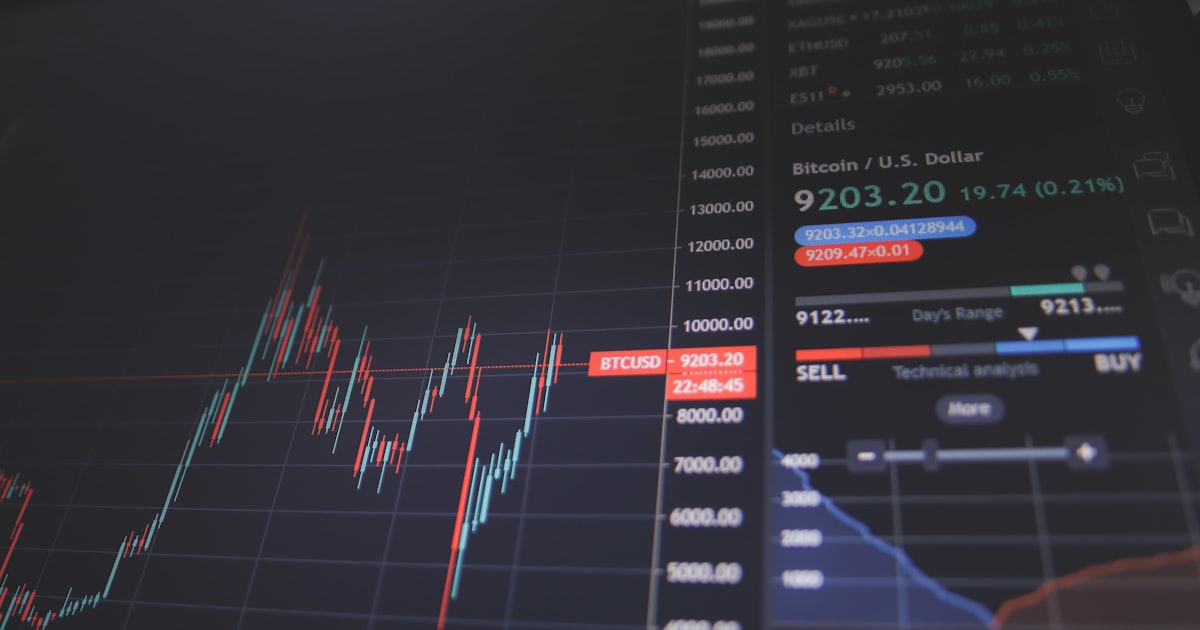
We Evaluated 12 LLM Observability Tools. Most of Them Do Not Matter.
A practical evaluation of LLM observability tools across tracing, cost tracking, quality monitoring, and prompt management. What matters, what is marketing, and what to actually look for.

An Enterprise Team Was Shipping Hallucinations to Users. Traces Showed Them Where.
How an enterprise company with AI-powered customer support reduced hallucination rates from 8% to 0.3% and cut AI issue MTTR from days to minutes using LLM observability and trace-level analysis.
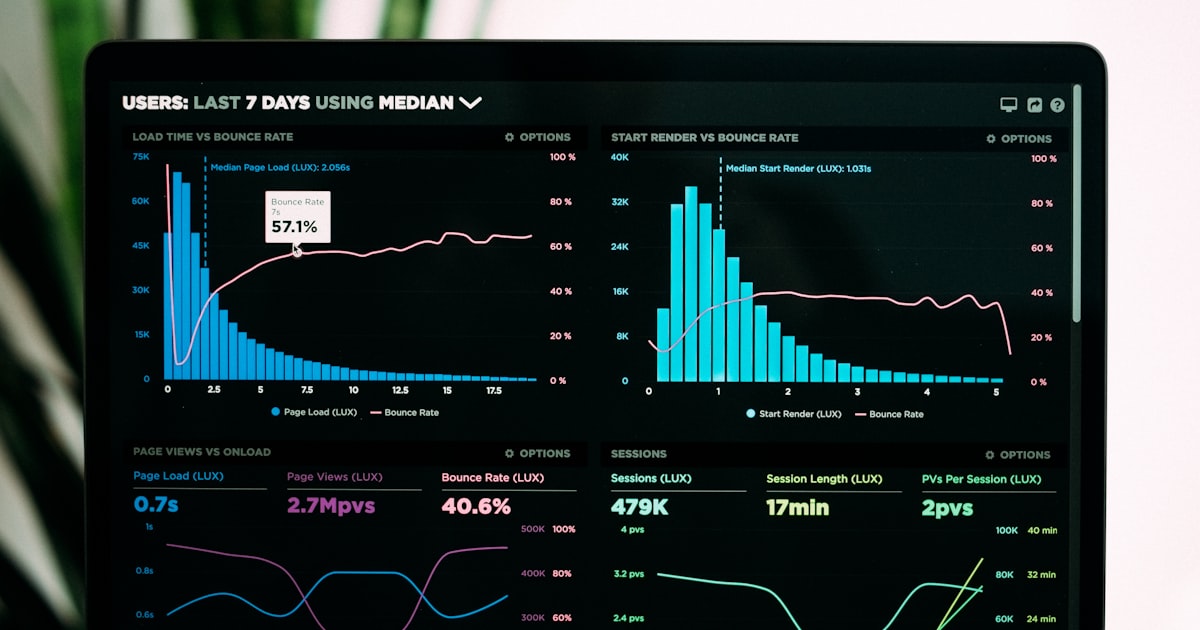
We Were Flying Blind on LLM Costs Until We Started Tracing Every Token
How we built token-level tracing to gain visibility into LLM costs, latency, and performance across providers. Architecture of the observability pipeline and the cost surprises we caught.
YOUR AGENTS DESERVE
REAL INFRASTRUCTURE.
START BUILDING AGENTS THAT DO REAL WORK.